View Activity/Exam Corrections
Review your graded submissions and instructor feedback.
Accessing Feedback
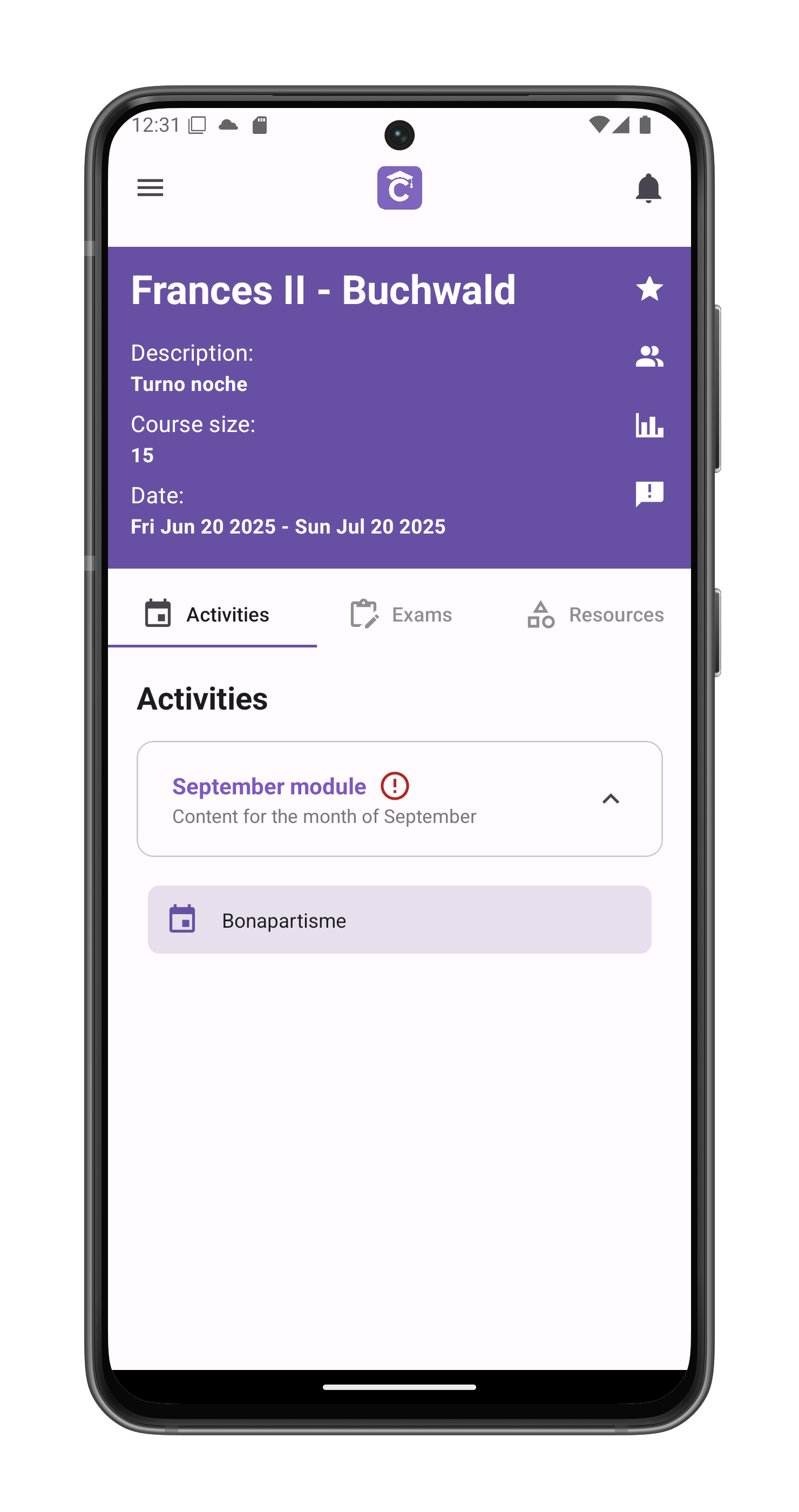
- Navigate to the activity in course view
- Locate your submitted activity
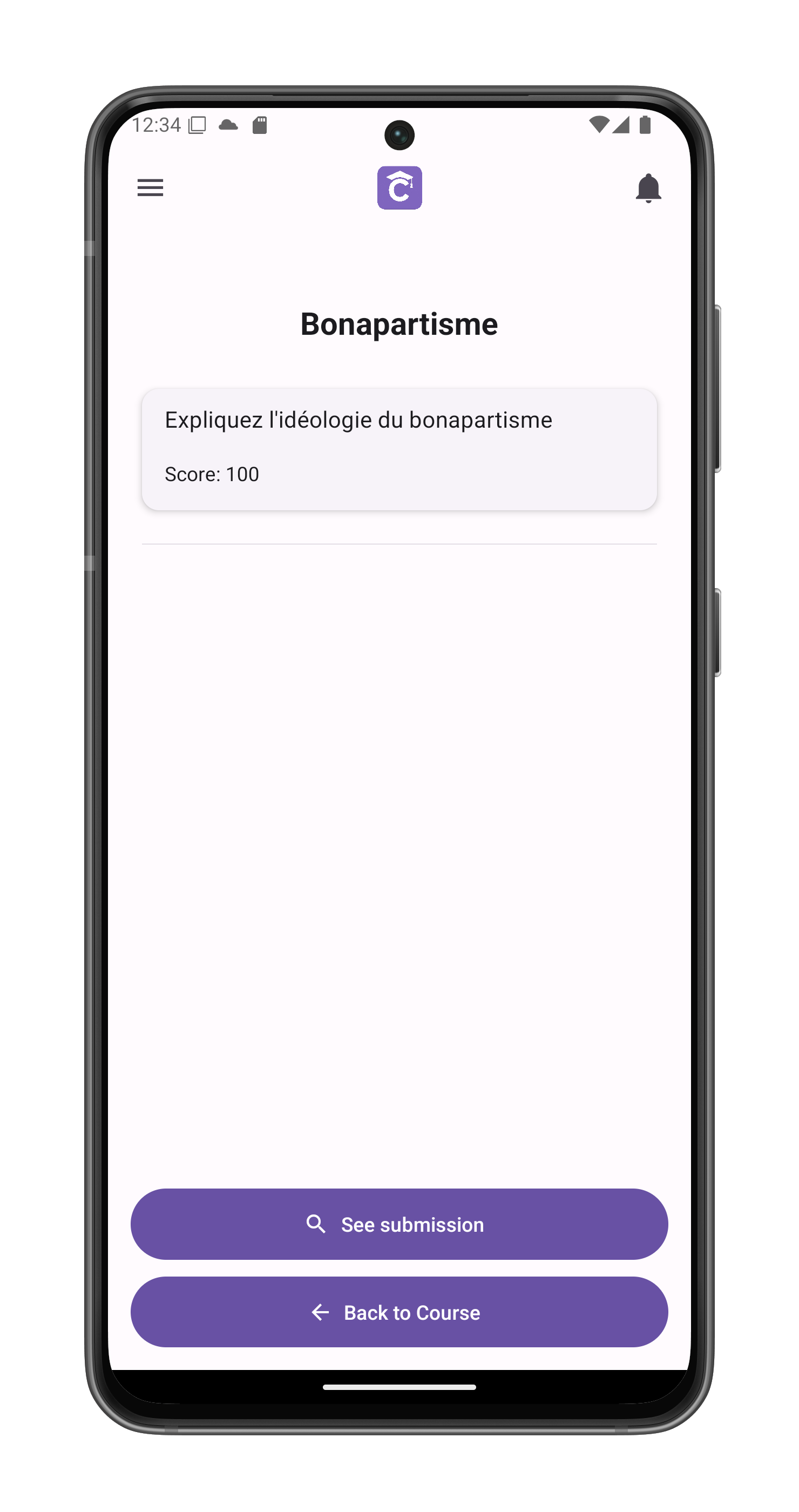
- Tap See submission
Correction Overview
Displays:
- Final score (e.g., 95/100)
- Original submission by the student

Detailed Feedback
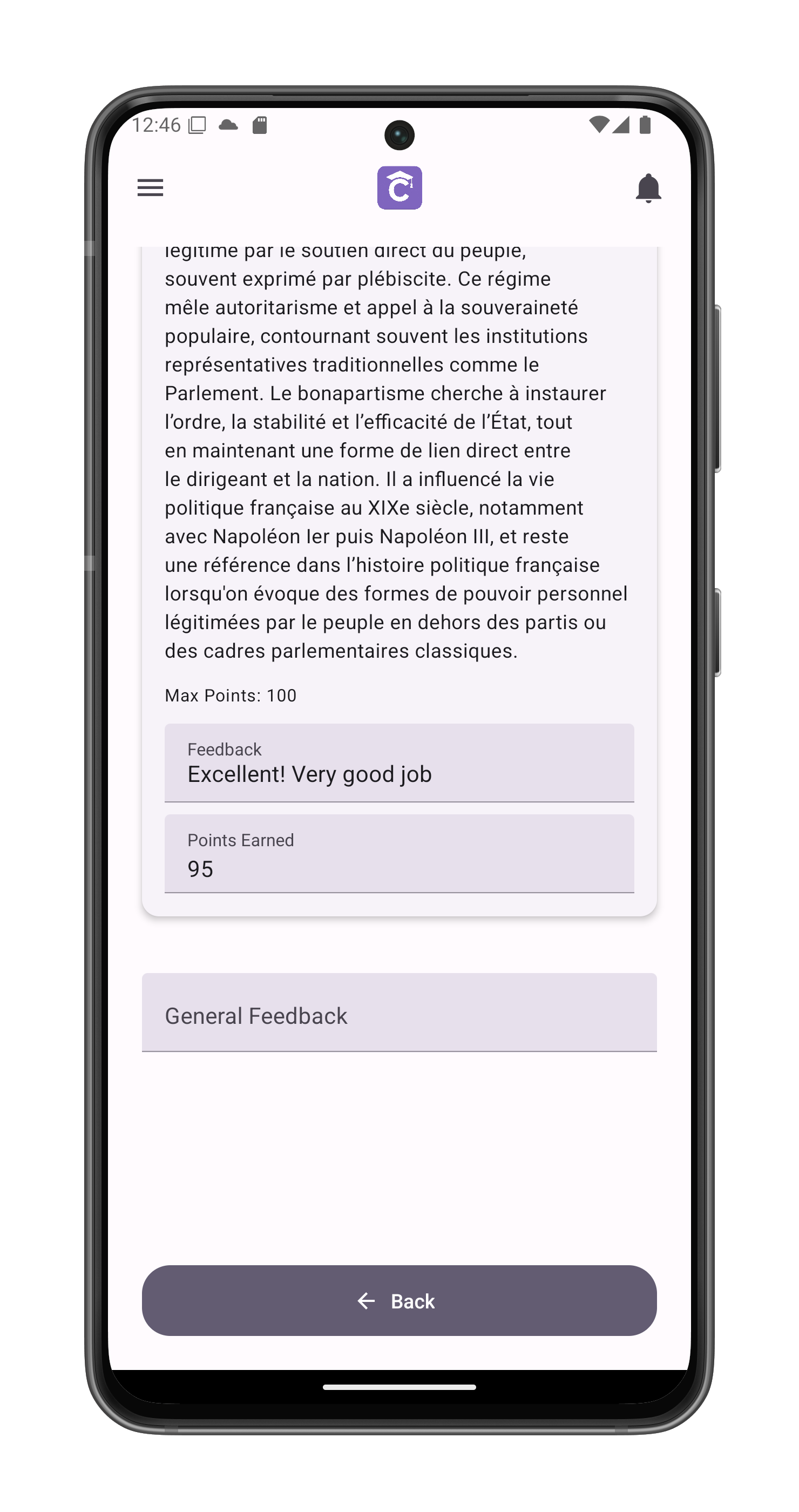
Scroll down to view:
1. Question-Specific Evaluation
- Your original answer
- Points earned per question
- Targeted feedback on responses
2. General Assessment
- Overall performance notes
- Improvement suggestions
- Positive reinforcement
Learning Tips
- Review all comments carefully
- Compare with rubric criteria
- Note recurring improvement areas
- Save exemplary feedback as examples